SMTP Server
#SMTP Server
CenterScape utilizes email to inform users and administrators of problems with infrastructure as well as to inform of alerts and communicate report data. For this to work properly an SMTP server is needed that will accept email sent by CenterScape and forward that email to the intended recipient. The SMTP protocol features various forms of connection security. While some SMTP servers may be open for traffic based on the source network of the sender, most servers now require some sort of authentication to avoid unauthorized emails or the hijacking of SMTP servers. The security configuration of each STMP server can vary greatly and is based on policies following within companies and enterprises.
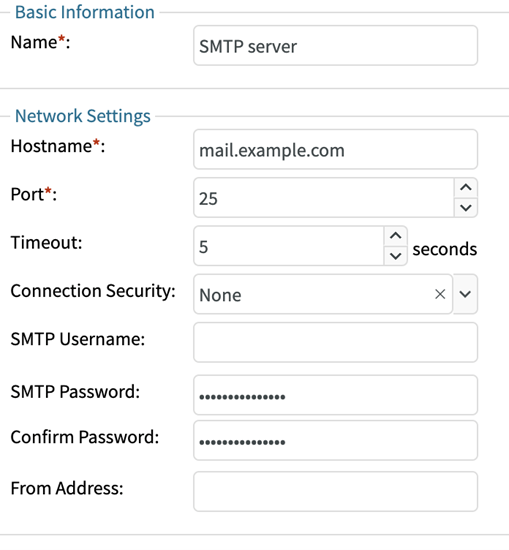
The basic configuration for SMTP is included with an example hostname and the original default port of 25 for SMTP service. Connection security is not enabled and no password is given even though the UI will always show “****” in the password field. For the simplest email server, simply changing the hostname to the correct SMTP server may be enough. Populating the “From Address” is generally a good idea to have even if not required by the SMTP server as that will be the sender address in emails sent by CenterScape.
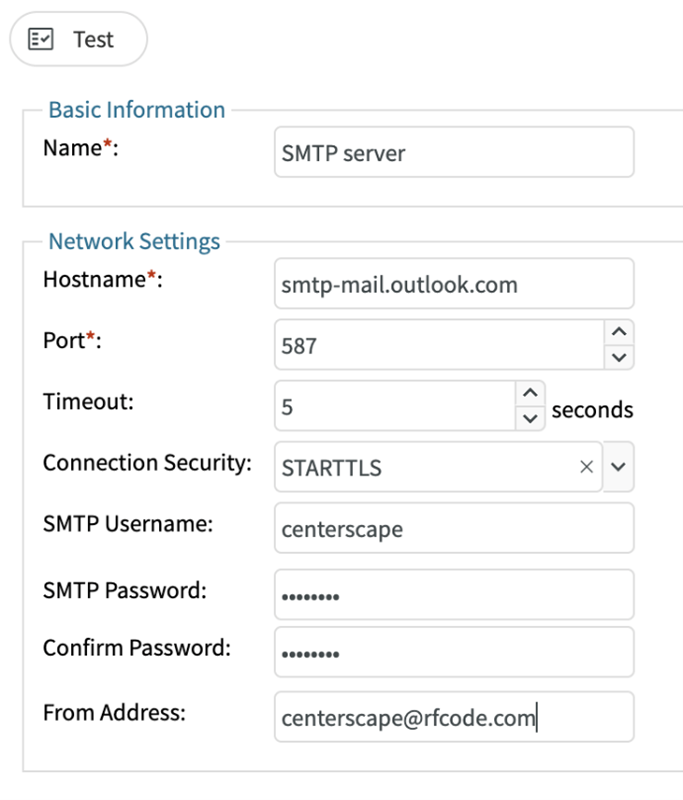
The following is an example of using Microsoft’s public office 365 Server which is common for production use. Once the information is entered clicking on the test button will attempt to send an email to an address.
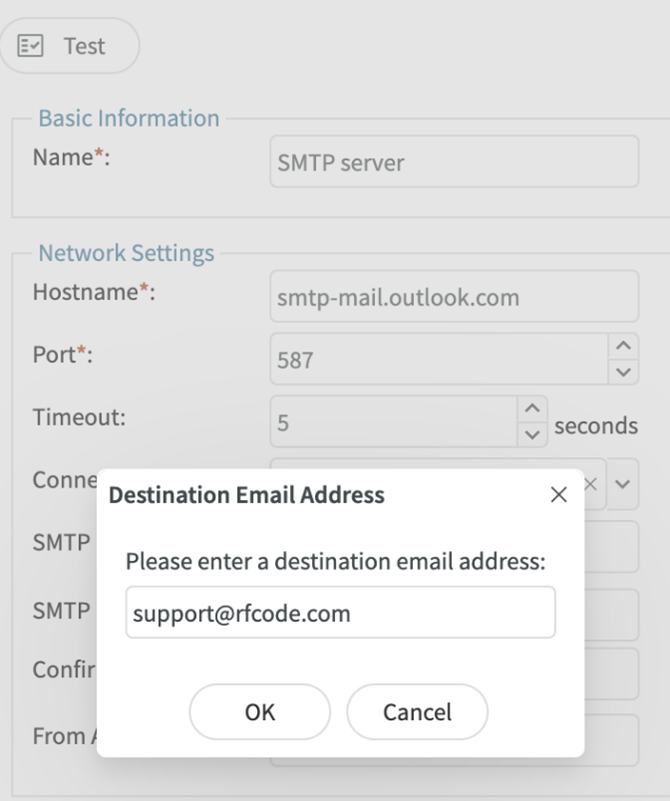
If successful, no messages will be reported, and a test email should arrive at its recipient. If CenterScape received and error a message will be displayed at the top of the dialog. It is possible that no errors are reported but the email is not received. This may be from spam filtering, or other actions taken by upstream email services. CenterScape can only verify acceptance of the email at the first SMTP level, it cannot receive emails or verify final receipt.
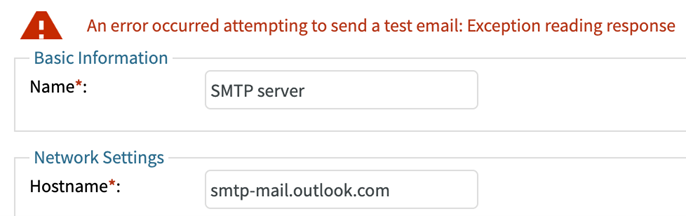
Unfortunately, many SMTP systems are cryptic or do not respond to errors for security reasons so SMTP server-side logs may be needed to find the correct information for a particular SMTP server. Once the test email has been received every email that CenterScape sends will be sent via these SMTP settings.
Note: If using an encryption on an SMTP server that uses a non-publicly verifiable certificate, then the ca certificate that was used to sign the private certificate or the email certificate must be added to the Java keystore.